
How to automate appointment reminders with SMS and voice AI
Learn how to automate appointment reminders using Voice AI and AI SMS together. See how Leaping AI's voice agents and new texting feature reduce no-shows and keep your calendar full automatically.
4
min read
Voice AI Technology Explained
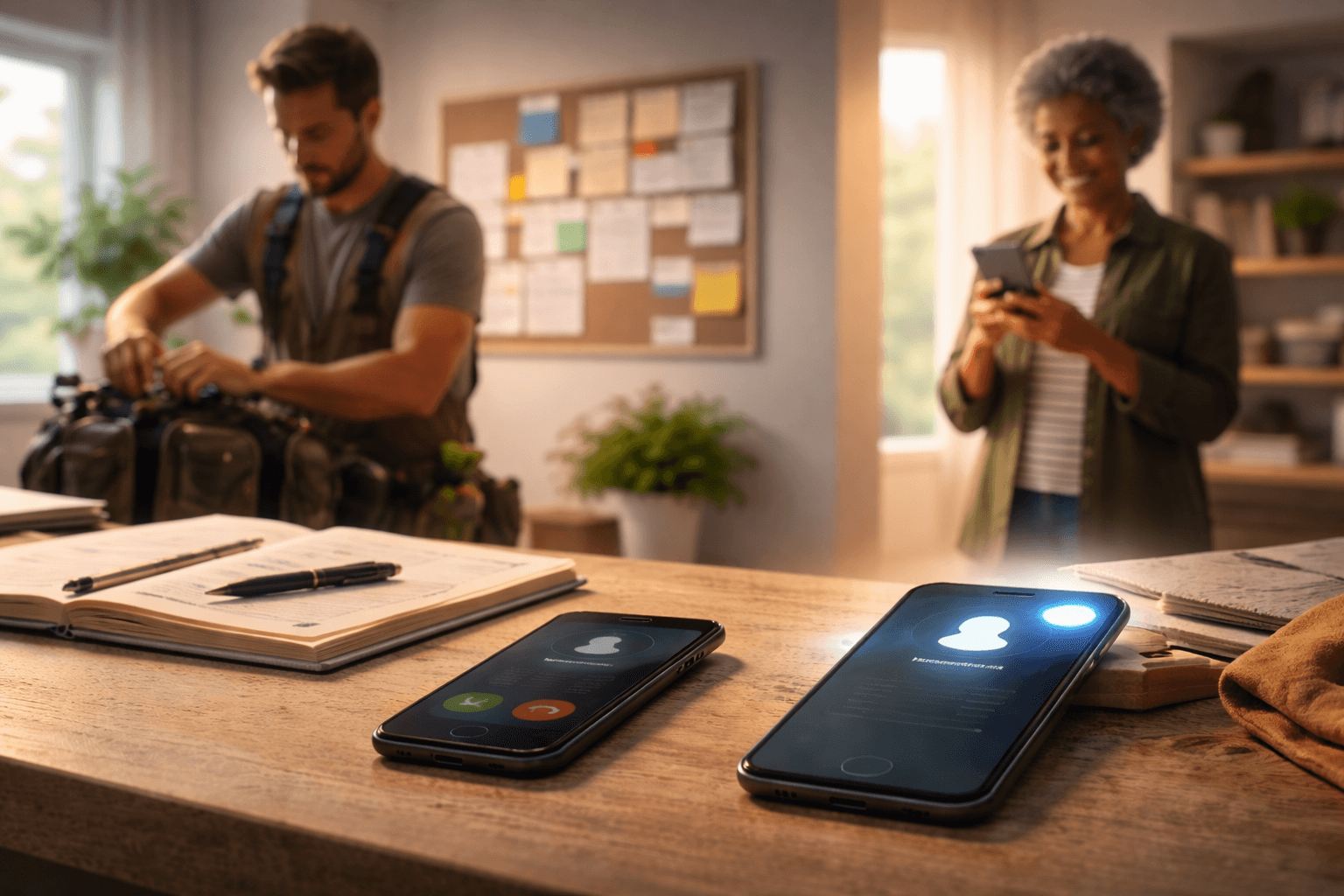
No-shows do not just waste a time slot. They waste fuel, prep time, scheduling time, and the opportunity cost of a job that could have gone to someone who actually showed up.
The frustrating part is that most no-shows are preventable. People forget. Life gets busy. A reminder sent at the right time, through the right channel, fixes the problem before it becomes one. The question is who sends it, and whether that person has time to do it manually for every single appointment on the calendar.
They do not. That is exactly what AI is for.
TLDR
No-shows and last-minute cancellations are largely preventable with well-timed reminders
SMS has a 98% open rate and a 45% response rate, making it the most reliable reminder channel available
Voice AI handles outbound reminder calls; AI SMS handles texts, and both can be automated in one workflow
Leaping AI's new texting feature supports iMessage and SMS, triggered automatically by appointment events
Combined voice and text reminders reduce no-shows without adding any manual work to your team
Why reminders fail without automation
Most businesses already know reminders matter. The problem is execution. A small team managing a full appointment calendar does not have the bandwidth to call every customer the day before, send a follow-up text the morning of, and chase down the ones who have not confirmed.
So reminders get sent inconsistently. Some customers get a call. Others get nothing. The ones who get nothing are the ones who forget and do not show.
Automation solves this at the root. Every appointment gets the same reminder sequence, every time, without anyone on your team having to initiate it. The AI voice agent makes the call. The AI SMS sends the text. The workflow runs in the background while your team focuses on the actual work.
For contractors and service businesses already exploring automated appointment scheduling, reminder automation is often where the ROI becomes most immediately visible, with fewer no-shows, fewer last-minute gaps, and a calendar that stays full.
The case for SMS as a reminder channel
Email reminders get ignored. Phone calls go unanswered. But texts get read.
According to marketing research, SMS achieves a 98% open rate and a 45% response rate, compared to just 6% for email. Most messages are read within three minutes of delivery. For time-sensitive reminders, that immediacy is the whole point.
iMessage adds another layer. For customers on Apple devices, iMessage delivers a richer, more familiar experience, with read receipts, typing indicators, and delivery confirmation that standard SMS does not always provide. Leaping AI's new texting feature supports both channels, and workflows can be configured to reach each customer on whichever one applies.
This is not just about convenience. When a customer receives a reminder text, they can reply to confirm, reschedule, or ask a question, making the interaction two-way. That response rate of 45% means nearly half of customers will engage, giving your system real-time confirmation data rather than silence.
Where voice fits in the reminder sequence
SMS handles the bulk of reminder communication efficiently. But voice has a role that text cannot fully replace.
A phone call from a recognizable business number carries more weight than a text, especially for high-value appointments, first-time customers, or situations where confirmation really matters. A voice reminder also gives the customer the option to reschedule on the spot, without back-and-forth texting.
Leaping AI's Voice AI agents handle outbound reminder calls naturally. They confirm the appointment, offer rescheduling if needed, and update the CRM automatically based on the outcome. No human agent required.
The most effective reminder sequences use both. Voice for the initial confirmation call. SMS for the follow-up if the call goes unanswered. Another text the morning of the appointment. A final check-in after the job is complete.
A practical automated reminder workflow
Here is what a fully automated reminder sequence looks like using Leaping AI's voice and SMS tools together:
Timing | Channel | Action |
48 hours before the appointment | Voice AI call | Outbound confirmation call. Offers rescheduling if needed. Updates CRM with response. |
Call goes unanswered | AI SMS | Automatic text sent within 2 minutes with appointment details and a reply option |
24 hours before | iMessage or SMS | Reminder text with date, time, and location. The customer can confirm or reschedule by replying. |
Morning of the appointment | SMS | Short reminder: "Your appointment is today at [time]. Reply HELP if you need to make changes." |
48 hours after | SMS | Post-service follow-up. Check-in message, review request, or next appointment prompt. |
Every step in this sequence runs automatically. The triggers are set once in the workflow builder. From that point, every appointment on the calendar moves through the same process without any manual action from your team.
Setting it up in Leaping AI
Leaping AI's workflow system gives teams control over the logic behind when and how messages are sent. For appointment reminders, setup typically involves three steps:
1. Connect your scheduling system
Leaping AI integrates directly with CRMs and scheduling tools. When a new appointment is created or updated, the workflow triggers automatically. Integrating voice AI with your existing tech stack does not require replacing what you already use; the platform connects to it.
2. Build the reminder sequence
Define each step: which channel, what message, what timing, and what happens based on the customer's response. A confirmation reply stops the sequence. No reply triggers the next step. A reschedule request routes to the appropriate follow-up.
3. Customize by appointment type
A routine maintenance visit and a high-value installation quote do not need the same reminder intensity. Workflows can be segmented by appointment type, customer status, or job value, so the right sequence runs for the right situation.
For contracting businesses implementing AI voice agents for the first time, this complete checklist for implementing AI voice agents covers the setup process end-to-end, including how to configure outbound workflows correctly from day one.
Beyond reminders: the full automation picture
Appointment reminders are the clearest and most immediate use case for combined voice and SMS automation. But once the workflow infrastructure is in place, the same logic applies to the rest of the customer journey.
Lead follow-up, payment reminders, renewal notices, and re-engagement of past customers can all of these can run through the same system. For home remodeling businesses and contractors managing long sales cycles, lead automation across the full pipeline becomes possible when voice and text are both automated and connected.
The reminder workflow is usually the first thing businesses set up. It is also the one that generates the fastest, most measurable results, fewer no-shows, a fuller calendar, and a team that is no longer spending time chasing confirmations manually.
What this looks like in practice
A home services company running 80 appointments per month with a 15% no-show rate is losing roughly 12 jobs per month to customers who simply forgot or were not reached in time.
Running a full voice and SMS reminder sequence does not eliminate every no-show. But even cutting that rate in half recovers six jobs per month. At an average job value of $500, that is $3,000 in monthly revenue recovered from a workflow that costs no additional staff time to run.
The math gets more compelling as appointment volume grows. The sequence runs the same way whether your calendar has 50 appointments or 500.
Automate your appointment reminders with Voice AI and AI SMS
Appointment reminders are not a nice-to-have. They are a direct revenue protection mechanism. Every no-show that could have been prevented by a timely text or a voice call is a job your team prepared for and did not get paid for.
Automating that sequence with Voice AI and AI SMS removes the dependency on manual effort and makes sure every appointment gets the same consistent follow-through, regardless of how busy the week is.
See how Leaping AI's AI answering service handles voice and text automation for your business and get personal consulting: Book a demo call with our experts.
Related articles
How does AI Call Routing work? A guide
AI call routing uses machine learning & NLP to analyze calls, directing them to the best resource. It reduces wait times, cuts costs, and boosts satisfaction. Discover how it works.
KI-Anrufweiterleitung: So funktioniert intelligentes Routing
Revolutionieren Sie Ihr Call Center mit KI-Anrufweiterleitung. Erfahren Sie, wie intelligentes Routing Wartezeiten verkürzt, Kosten senkt & Kundenzufriedenheit steigert. Jetzt informieren!
" height="40px" id="WAr1m0SbV" width="40px"/></svg>)
" height="36.155776153594424px" id="q7J04lAF0" width="40px"/></svg>)
© 2026 Leaping AI
All services operational.