
Voice AI CRM Integration: Where AI Agents Fit Into Your Home Improvement Tech Stack
Learn how voice AI CRM integration works for home improvement companies, from lead follow-up and appointment booking to calendars and existing setups.
10
min read
Tech

By Muhammad Nael Syed, Content Writer at Leaping AI
Your call center already has a tech stack. There’s a CRM where your leads live. A phone system your CSRs use every day. A calendar or scheduling system. Then there are the lead sources feeding everything such as paid search, aggregators, canvassing, and other campaigns. And speed matters across that entire stack. Leaping AI is built to answer inbound leads in 7 seconds, but getting to the lead quickly is only useful if the conversation, appointment, and lead data fit back into the systems your team already works in.
For a home improvement call center, an ideal voice AI CRM integration should support the customer journey from the first inquiry to the booked appointment and beyond. The lead may move between your phone system, CRM, and calendar along the way, but your team shouldn’t have to piece that journey together across disconnected systems.
Why CRM Integration Matters for Your Call Center
A study published in the Harvard Business Review found that workers toggled between apps and websites nearly 1,200 times a day. That’s a lot of back and forth. Your call center representatives don’t need an AI tool giving them one more place to check.
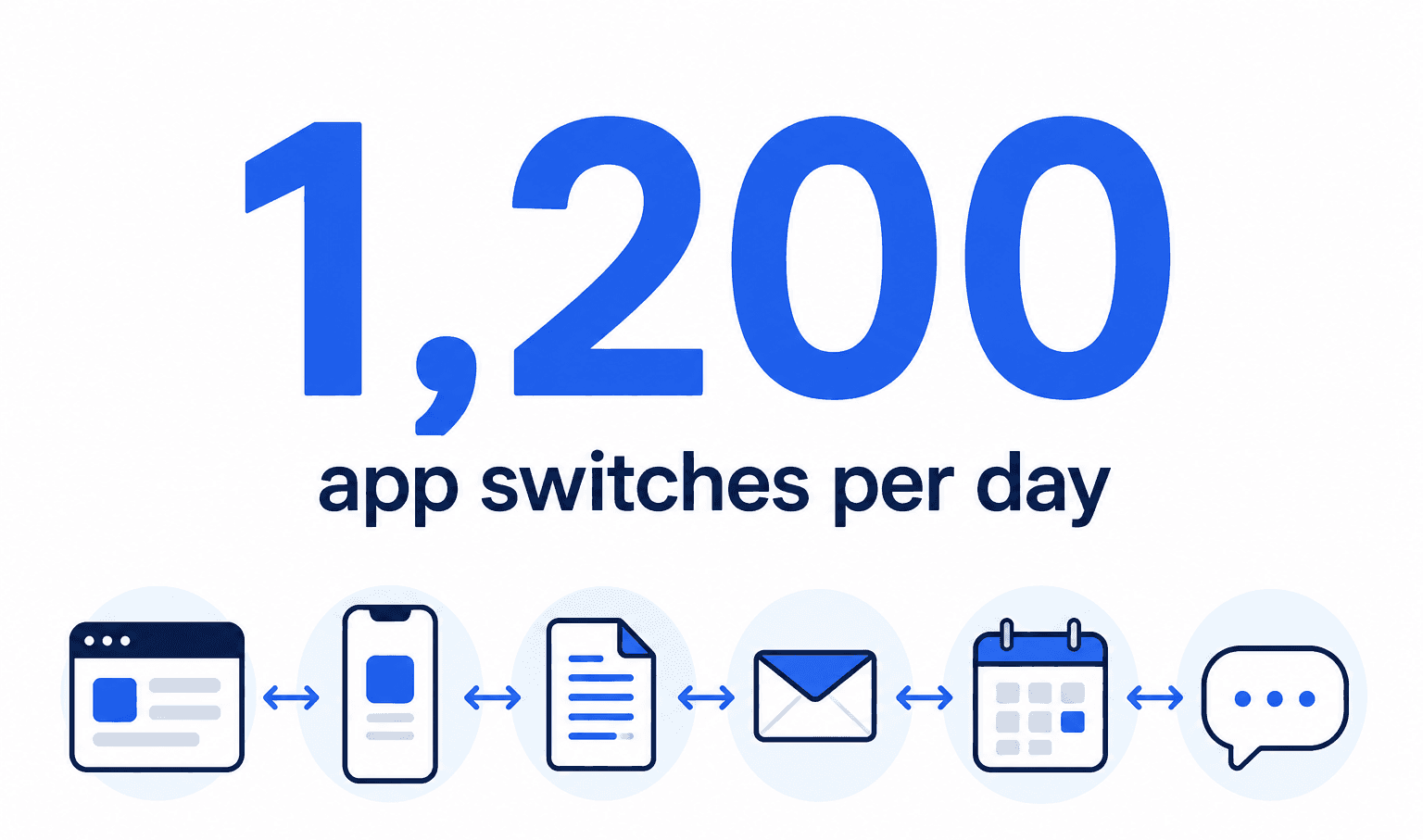
You probably know how this goes. A new tool looks great during the demo. Then it goes live and suddenly there’s another login. Another dashboard. Another place to check before calling a homeowner back.
Now your CSRs are moving between systems, somebody is copying notes by hand, and nobody is completely sure which record is current. That’s worse than having no new tool at all. A voice or SMS AI agent should fit into the operations your team already knows. Your CRM stays the CRM. Your calendar stays the calendar.
That’s how Leaping AI is designed to fit in. It connects with the CRM and tools your team already uses rather than asking your team to move their work somewhere else. Your data stays where it is. That’s the integration standard that matters. Not how impressive the architecture sounds in a sales deck. Your team, from the CSR to the in-home sales rep, shouldn’t have to change how they work to accommodate the technology. The technology should accommodate them.
What Voice AI CRM Integration Looks Like for Your Team
Take away the technical jargon, and integrating a voice AI agent with your CRM is mostly about cutting down the manual work your call center handles every day. The things somebody currently has to remember, enter, check, build, or follow up on.
Here’s what that looks like:
New leads sync in automatically. When a new lead comes in, the information moves into the connected system without a CSR having to transfer it manually. The voice or SMS agent can start working the lead from there. For the call center, that means less manual lead handling and fewer chances for a new inquiry to sit untouched.
Appointments go straight onto the calendar. Once a homeowner is ready to book, the appointment gets set on the calendar your team already uses. Your CSRs don’t have to find it in another dashboard and enter it again. More importantly, the schedule your team is looking at stays the place they can rely on when they need to see what’s booked and what availability is left.
Call notes and dispositions log back into the CRM. The conversation shouldn’t disappear when the call ends. Notes and dispositions go back into the CRM so the next person working that lead can see what happened before reaching out. That context is crucial when a homeowner calls back, a CSR follows up, or the in-home sales rep takes over the conversation.
Aged lead lists get worked without manual list-building. Old quote requests, leads that didn’t answer, homeowners who asked for a callback later, and prospects who never booked can sit in the CRM long after the first conversation. A connected voice agent can work through those aged and dormant leads without your CSRs spending hours building lists and dialing old records one by one.
Panda Exteriors gives a concrete example. Its door-to-door canvassers used to call the company’s call center to confirm appointments and homeowner information. Leaping AI now handles those calls across states, identifies the canvasser, verifies the homeowner’s details, and books the appointment through Panda’s calendar integration. Information captured during the conversation can also be added to the calendar appointment.
That changed the work on the call center side, too. Five CSRs who had been handling those scheduling calls were moved into outbound telemarketing instead. According to Panda Exteriors President Christian Curry, the change lowered the company’s customer acquisition cost by 3%.
The Home Improvement CRMs We Integrate With
AI is getting plenty of attention in construction, and more companies are actually starting to use it. According to the 2025 U.S. Houzz State of AI in Construction and Design report, 32% of construction businesses use AI. Among firms with 10 or more employees, that number jumps to 64%. But adding AI is only half the conversation. Your CRM is the source of truth for your customer data, and the rest of your technology needs to integrate with it to keep the business running smoothly. Leaping AI integrates with Lead Perfection, improveit360, Builder Prime, and ServiceTitan, so your team can keep working from the systems it already knows.
Lead Perfection
Lead Perfection is built around lead management from the first inquiry through appointment setting and sales follow-up. If that’s where your team already tracks the lead, the integration question is whether AI can work within that process. Link: Lead Perfection integration guide
improveit360
improveit360 is used across the customer lifecycle, so the CRM can touch more than the initial phone call. That makes it important to understand exactly what information the AI reads, what it writes back, and where an AI-booked appointment appears for the rest of the team. Link: improveit360 integration guide
Builder Prime
Builder Prime combines CRM and production management for contractors, which means the lead is part of a larger setup that continues after the first conversation. Before connecting AI, you want to know where that conversation lands in the existing lead and appointment process. Link: Builder Prime integration guide
ServiceTitan
ServiceTitan can sit at the center of calls, customer records, scheduling, and other day-to-day work. With that much happening in one system, “we integrate with ServiceTitan” isn’t enough information on its own. Link: ServiceTitan integration guide
Frequently Asked Questions
Can voice AI integrate with an existing CRM?
Yes. The important question is how the integration works with the CRM, calendar, and other systems your call center already uses. A good integration should reduce the amount of information your CSRs have to move between systems manually.
What information should a voice AI agent send to a CRM?
At minimum, your team should understand what happens to the lead record, call notes, disposition, and appointment information after a conversation. The exact fields and behavior depend on the CRM and integration.
Can voice AI book appointments directly into a CRM?
Some voice AI integrations can book against the scheduling system your team already uses. Before choosing a vendor, confirm where availability comes from, where the appointment is created, and what your CSRs see afterward.
Which home improvement CRMs does Leaping AI integrate with?
Leaping AI integrates with Lead Perfection, improveit360, Builder Prime, ServiceTitan, and other CRMs used by home improvement companies. The exact integration depends on the CRM and your existing setup.
Before you give an AI vendor access to your CRM, find out what happens to your data, what gets written back, how appointments are handled, what your team will see, and what happens when something doesn’t work as expected. Those answers matter a lot more than a refined demo. We put together 10 Questions to Ask Before You Let an AI Vendor Touch Your CRM to help you have that conversation before anything gets connected.
If you want to see how Leaping AI fits into the tools your team already uses, book a demo and we’ll take you through it.
Related articles

Voice AI + LeadPerfection: How the Integration Works
See how Leaping AI works inside LeadPerfection: booking appointments, writing back notes and call outcomes, and calling the lead queues you choose.
Multi-channel Outreach Campaigns for Home Remodelers
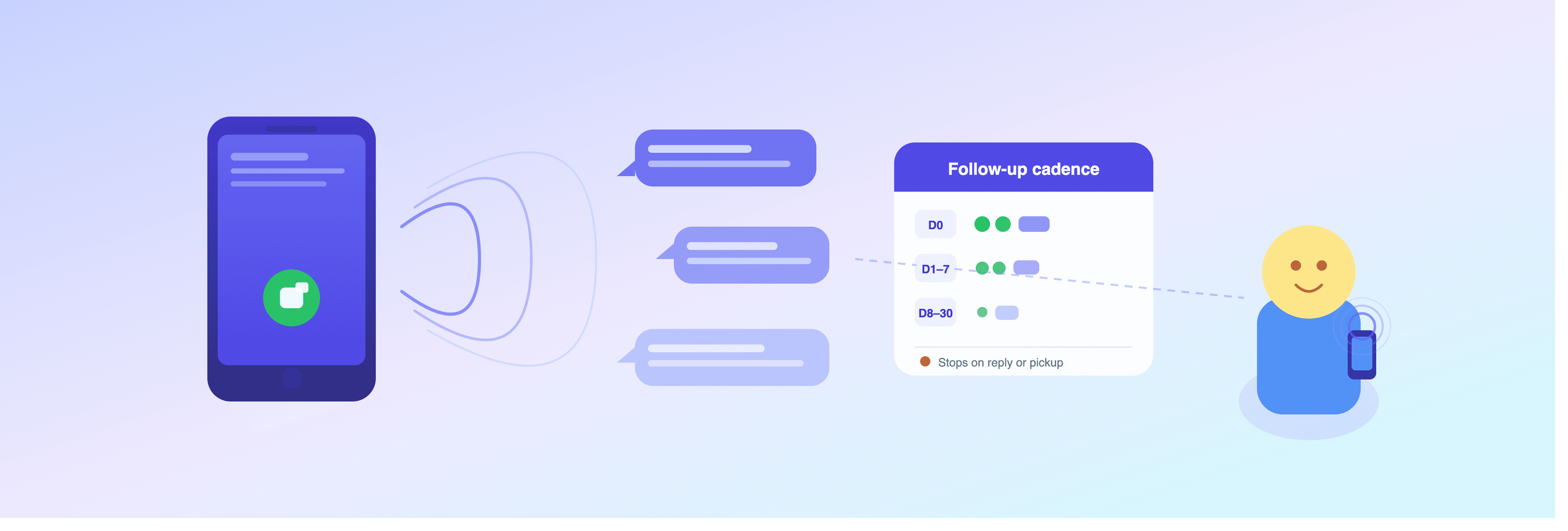
Reach every lead with the right cadence. Leaping AI's new outreach campaigns combine calls and texts over 30 days, pausing automatically on response.
" height="40px" id="WAr1m0SbV" width="40px"/></svg>)
" height="36.155776153594424px" id="q7J04lAF0" width="40px"/></svg>)
© 2026 Leaping AI
All services operational.