
Bridging old and new: Integrating voice AI with legacy tech
Learn how to integrate voice AI with legacy systems. Discover practical strategies for connecting enterprise AI voice agents to existing infrastructure without complete overhauls.
5
Min. Lesezeit
Sprachtechnologie erklärt
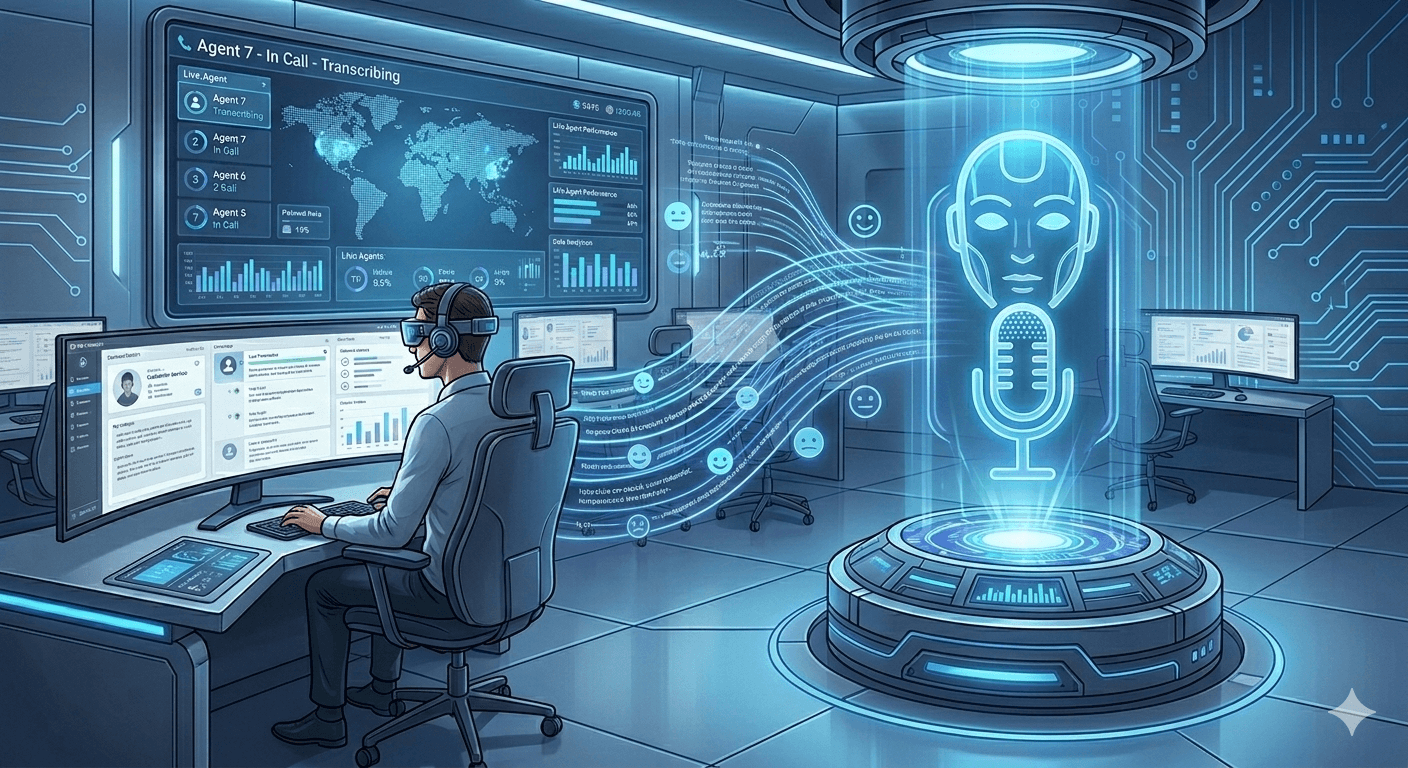
Most enterprises run on systems built decades ago. Mainframes. On-premise databases. Custom software from the 90s. These legacy systems handle critical business operations every day.
Now, voice AI promises better customer service, lower costs, and automated operations. But there's a problem. Modern AI wasn't designed to talk to 30-year-old infrastructure.
Can you add voice AI without ripping out everything and starting over? Yes. Thousands of companies are doing it right now. Here's how they're making it work.
TLDR
Integrating enterprise AI voice agents with legacy systems is possible without full system replacement. Use API layers, middleware platforms, and phased rollouts to connect modern voice AI to existing infrastructure. Focus on specific use cases first, test thoroughly, and scale gradually. Most implementations take 2-4 months from planning to production.
Why do legacy systems make voice AI integration challenging?
Legacy systems weren't built for AI. They were designed when "integration" meant batch file transfers running overnight.
Outdated architectures: Old systems use proprietary formats and protocols. They don't have REST APIs. They can't handle real-time requests. According to Optimum's research, legacy platforms lack the compute capacity and modularity that AI demands.
Data silos: Information sits locked in separate systems that don't talk to each other. Customer data in one place. Order history somewhere else. Product information in a third system. AI needs all this data together to work properly.
Security constraints: Many legacy systems run on networks isolated for security. Opening them up to cloud-based AI creates compliance concerns and risks.
Limited documentation: The developers who built these systems often left years ago. Documentation is incomplete or missing. Nobody fully understands how everything works anymore.
Resource limitations: Legacy platforms struggle with modern workloads. They can't handle hundreds of simultaneous API calls from voice AI agents checking customer information during phone conversations.
These challenges are real. They're also solvable with the right approach.
What integration strategies actually work?
Companies successfully integrating voice AI for enterprise use have several proven approaches.
Strategy | Best For | Implementation Time | Risk Level |
API wrapper layer | Systems with some modern interfaces | 1-2 months | Low |
Middleware platform | Complex multi-system environments | 2-4 months | Medium |
Database replication | Read-only data access needs | 2-3 months | Low |
Microservices extraction | Specific functionality modernization | 3-6 months | Medium |
Event-driven integration | Real-time data sync requirements | 2-4 months | Medium-High |
There isn’t a single “best” strategy. Teams that succeed usually start small. They pick one workflow, such as appointment booking or lead qualification, and integrate that first. Once the AI proves reliable, they expand the scope.
Voice AI integration with CRM usually follows a similar pattern, no matter which platform you use. It connects through APIs, pulls the right data, updates records when needed, and follows clear rules. The setup itself isn’t complicated. What matters more is rolling it out step by step instead of trying to connect everything at once.
For organizations with complex contact center environments, integration partners can also play a role. Companies like AMC Technology, which follow a test, pilot, and production rollout approach, help enterprises connect telephony, AI, and CRM systems across cloud, on-premise, and hybrid environments. AMC Technology is often used when organizations run on-premise systems or multiple phone or CRM platforms and need integrations tailored to existing infrastructure rather than replacing it.
How do you handle real-time data requirements?
Call center voice AI needs instant access to customer information. Legacy batch processing doesn't cut it.
Cache frequently accessed data: Store commonly needed information in fast, modern caches. Customer profiles, product catalogs, and recent orders. The voice AI checks the cache first. This reduces load on legacy systems while providing quick responses.
Implement read replicas: Create real-time or near-real-time copies of critical legacy data. Voice AI reads from these replicas. Database tools like CDC (Change Data Capture) keep replicas synchronized with minimal lag.
Use asynchronous patterns: When updates need to go back to legacy systems, queue them asynchronously. The voice AI confirms the request to the customer immediately. The actual legacy system update happens in the background.
Set appropriate timeouts: Define clear timeout thresholds. If a legacy system doesn't respond within 2-3 seconds, have fallback behavior ready. Don't leave customers waiting while retrying a slow backend.
Monitor performance continuously: Track response times from legacy endpoints. Identify slow queries. Work with legacy system administrators to optimize frequently accessed data paths.
According to Geodesic Capital's analysis, successful voice AI deployment requires seamless integration with existing IT landscapes, including CRM and ERP systems.
What security considerations matter most?
Adding AI to legacy systems opens new attack surfaces. Security teams worry about this constantly.
Isolate legacy systems properly: Don't expose legacy systems directly to the internet. Use secure API gateways that handle authentication, rate limiting, and threat detection before requests reach internal systems.
Implement strong authentication: Use modern auth standards like OAuth 2.0 between voice AI and backend systems. Even if legacy systems use older auth methods internally, the integration layer should use current security practices.
Encrypt everything: Voice conversations contain sensitive information. Customer names. Account numbers. Medical details. Encrypt data in transit and at rest. This includes temporary storage that the voice AI uses during processing.
Log and audit all access: Track every time voice AI accesses legacy systems. Who requested what data, when, and for what purpose. This audit trail proves essential for compliance and troubleshooting.
Apply the principle of least privilege: Give voice AI access only to specific data and functions it actually needs. Don't grant broad database access. Create specific service accounts with minimal permissions.
Plan for data residency: Some legacy systems must keep data in specific geographic locations for regulatory reasons. Ensure your voice AI architecture respects these requirements.
Learn how multilingual voice AI handles security across different regional compliance requirements.
How should you approach testing and validation?
Testing voice AI integrated with legacy systems requires different approaches than traditional software testing.
Start with read-only operations: Begin testing with queries that only read data. Verify the AI can retrieve customer information, order history, and product details accurately. Don't test writes until reads work perfectly.
Use production copies for testing: Test against realistic data in non-production environments that mirror your actual legacy systems. Synthetic test data often misses edge cases that break things in production.
Test error scenarios extensively: What happens when legacy systems are slow? Down? Return unexpected data? Voice AI must handle these gracefully. According to research, legacy system integration remains a key challenge organizations must anticipate and plan for.
Validate data accuracy: Compare voice AI responses against known correct answers from legacy systems. Ensure data transformations don't corrupt information.
Load test integration points: Simulate peak call volumes. Will your integration layer handle 500 simultaneous voice calls, checking customer information? Find bottlenecks before customers do.
Monitor latency carefully: Voice conversations feel natural when responses come fast. Test response times under various conditions. Optimize slow queries.
What does a phased rollout look like?
Smart companies don't flip a switch and route all calls to voice AI overnight. They test carefully and scale gradually.
Phase 1 - Pilot (Weeks 1-4): Choose one simple use case. Maybe balance inquiries or order status checks. Connect voice AI to necessary legacy systems. Test with internal users first. Fix problems before customers see them.
Phase 2 - Limited production (Weeks 5-8): Route 10-15% of real calls to voice AI. Monitor closely. Track where it succeeds and fails. Gather feedback. Improve based on real usage patterns.
Phase 3 - Expansion (Weeks 9-16): Add more use cases. Increase call volume gradually. Connect to additional legacy systems as needed. Continue refining based on performance data.
Phase 4 - Scale (Weeks 17+): Ramp up to full production volumes. Add complexity like payment processing or account changes. Optimize integration performance based on real load.
This phased approach catches problems early when they impact fewer customers. It builds confidence in the technology before betting everything on it.
The complete checklist for implementing AI voice agents provides detailed guidance for systematic rollouts.
How do you get buy-in from legacy system teams?
Legacy system administrators often resist integration projects. They're protecting systems they've maintained for years.
Include them early: Don't surprise legacy teams with integration requirements. Involve them in planning from day one. Their knowledge of system limitations and quirks is invaluable.
Show respect for existing systems: Don't trash-talk legacy platforms. These systems run the business. Frame voice AI as an enhancement, not a replacement.
Start with low-risk use cases: Propose integrations that won't impact core operations. Read-only queries for customer service. Nothing that could corrupt data or disrupt processing.
Provide clear rollback plans: Legacy teams need to know they can disconnect voice AI quickly if problems arise. Build kill switches. Document rollback procedures.
Share monitoring and alerts: Give legacy administrators visibility into how voice AI uses their systems. Let them see query patterns, error rates, and performance metrics.
Celebrate wins together: When integration succeeds, credit the legacy team for their support. Build partnership, not conflict.
Learn from voice AI agents for HubSpot implementations that succeeded through strong cross-team collaboration.
What costs should you expect?
Integrating voice AI with legacy systems costs money. Here's where it goes.
Integration development: Building API wrappers, middleware configurations, and data transformers requires developer time. Budget 2-4 months of engineering work for typical implementations.
Infrastructure: Modern integration layers need servers, databases, and networking. Cloud costs for middleware platforms run $2,000-$10,000 monthly, depending on scale.
Legacy system modifications: Some old systems need updates to support modern integration patterns. This might require specialized consultants who know outdated technologies. Rates run $150-$300 per hour.
Testing environments: You need non-production copies of legacy systems for testing. Maintaining these environments adds ongoing costs.
Ongoing maintenance: Integration code requires updates as both voice AI and legacy systems change. Budget for continued development support.
Voice AI platform: The best enterprise voice AI solutions typically charge based on usage. Expect $0.05-$0.15 per minute of voice conversation, plus monthly platform fees.
Most enterprises see ROI within 6-12 months despite these costs. Reduced call center staffing and improved customer satisfaction, offsetting integration expenses quickly.
Making legacy tech and voice AI integration work
Legacy systems can work with voice AI. The key is choosing the right integration strategy and planning the rollout carefully.
Start with clear use cases. Build secure integration layers. Test thoroughly with real data. Roll out gradually. Include legacy teams in planning.
Companies doing this right connect modern voice AI to decades-old infrastructure successfully. They improve customer service without replacing working systems. They automate operations while keeping critical platforms stable.
The key is treating integration as a project, not an afterthought. Voice AI to automate calls works best when properly connected to the systems that run your business.
Leaping AI helps enterprises integrate voice AI with legacy infrastructure through proven integration frameworks and experienced implementation teams.
Want to see how voice AI can work with your existing systems?
Book a demo with Leaping AI and discover practical integration approaches that protect your legacy investments while enabling modern automation.
Verwandte Artikel

How does AI Call Routing work? A guide
AI call routing uses machine learning & NLP to analyze calls, directing them to the best resource. It reduces wait times, cuts costs, and boosts satisfaction. Discover how it works.

KI-Anrufweiterleitung: So funktioniert intelligentes Routing
Revolutionieren Sie Ihr Call Center mit KI-Anrufweiterleitung. Erfahren Sie, wie intelligentes Routing Wartezeiten verkürzt, Kosten senkt & Kundenzufriedenheit steigert. Jetzt informieren!
" height="40px" id="WAr1m0SbV" width="40px"/></svg>)
" height="36.155776153594424px" id="q7J04lAF0" width="40px"/></svg>)
© 2026 Leaping AI
All services operational.