
Voice AI + LeadPerfection: How the Integration Works
See how Leaping AI works inside LeadPerfection: booking appointments, writing back notes and call outcomes, and calling the lead queues you choose.
5
Min. Lesezeit
Tech

By Muhammad Nael Syed, Content Writer at Leaping AI
Every Monday you probably open the same report with calls missed and leads nobody called back. And somewhere in LeadPerfection sits a pile of older leads your team never had time to get to. Bath Experts had a pile like that. Once Leaping AI's voice agent started calling through their fresh and aged leads, the company began booking about 5 incremental in-home consultations a day. Each one is worth somewhere between $5,000 and $30,000 in potential revenue.
But if you run the call center, you're asking something else: when the voice agent hangs up, where does the work end up? In LeadPerfection, where do your reps already look? Or on some other screen they now have to check?
Here's what it should look like. Monday, 8:00 a.m. Your rep opens LeadPerfection. Saturday night's calls are already in there. The new leads. The appointments, with a sales rep assigned. The notes. How every call ended. Nobody typed any of it.
That's what a LeadPerfection-AI integration should do. Here's how ours works.
Why LeadPerfection Shops Need the Integration
LeadPerfection is one of the most common CRMs among home improvement companies with a call center. The problem starts when part of the customer conversation happens outside the CRM. A call comes in, someone takes notes somewhere else, and a customer service representative (CSR) has to re-key the information later. Or an old lead sits in a queue waiting for someone to find the time to call it.
That just creates more work for the team and more places for follow-up to slip.
The goal is simple: give your team one less place to check. Calls happen, appointments get booked, and the details go back into LeadPerfection. We break down how that fits with the rest of your systems in The Home Improvement Tech Stack.
How the LeadPerfection AI Integration Works
Leaping AI connects directly to LeadPerfection through its application programming interface (API), which lets the two systems exchange information. During a call, the voice agent can pull the information it needs from LeadPerfection and write new details back while the conversation is happening.

The agent can read leads and queues as well as available appointment slots. It can then write back:
New leads and prospect information updates
Appointments, including assigning a sales rep and confirming the appointment
Call notes, call history and the outcome
Do-not-call status
The integration also works with product codes and ZIP-to-branch mapping. There is one important rule around scheduling: the AI agent can’t tell the homeowner an appointment is confirmed until LeadPerfection has actually saved it. That keeps the CRM in the middle of the work instead of letting the conversation get ahead of the schedule.
How Outbound Lead Follow-Up Works With LeadPerfection
For outbound calling, Leaping AI pulls from the LeadPerfection queues your team chooses. A small function built and hosted by Leaping AI checks those queues on a set schedule and pulls leads for the voice agent to call. How often each queue is checked is set during onboarding, based on how fast you want those leads worked.
What happens | When | What it means for your team |
A live call | While the call is happening | Lead details, appointments, notes and outcomes are written while the call is happening. |
New-lead queue pickup | Set during onboarding, based on how fast you want new leads worked | Fresh leads get called from the queues you choose |
Aged-lead queue pickup | Set during onboarding, typically once a day | The agent pulls from the aged-lead queue your team selected |
During calls, information is written as the call happens. Outbound pickup runs on its own schedule.
What This Looks Like for Your Team
Say your team has a LeadPerfection queue ready for outbound follow-up. Leaping AI pulls the leads on the configured schedule and starts working through them. When a homeowner answers, the voice agent has the conversation and checks available appointment slots in LeadPerfection.
If the homeowner wants to book, the appointment is saved in LeadPerfection before the agent confirms it. The call notes and outcome are written back too. Your CSR doesn’t have to copy the notes over afterward. They don’t have to update the call outcome by hand. And they don’t have to manually work through an aged-lead list one call at a time.
Before You Connect Any AI Vendor to Your CRM
The details matter. What gets written back? When does it happen? How are appointments confirmed? How does outbound pickup work?
Want to see how Leaping AI could work with your LeadPerfection setup? Book a demo.
Verwandte Artikel

Voice AI CRM Integration: Where AI Agents Fit Into Your Home Improvement Tech Stack
Learn how voice AI CRM integration works for home improvement companies, from lead follow-up and appointment booking to calendars and existing setups.
Multi-channel Outreach Campaigns for Home Remodelers
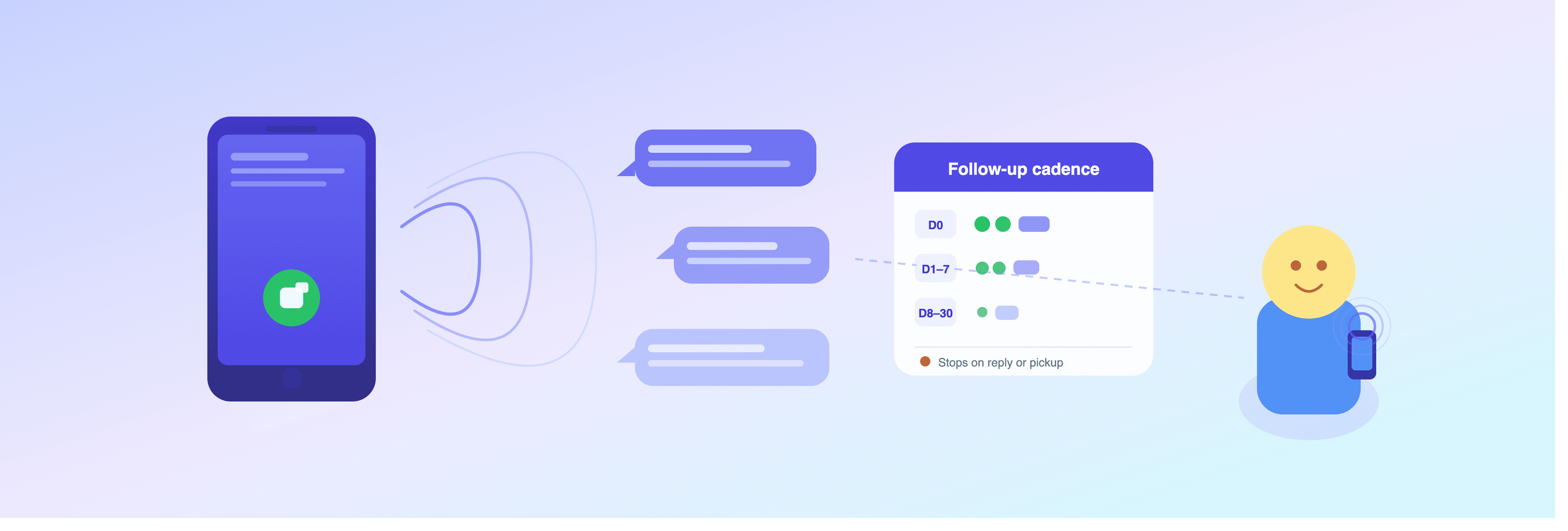
Reach every lead with the right cadence. Leaping AI's new outreach campaigns combine calls and texts over 30 days, pausing automatically on response.
" height="40px" id="WAr1m0SbV" width="40px"/></svg>)
" height="36.155776153594424px" id="q7J04lAF0" width="40px"/></svg>)
© 2026 Leaping AI
All services operational.